MahGPT Back to MahGPT
HeyGen logoAVATAR & LOCALIZATION GUIDE

HeyGen: one face, every language.

A practical guide to making presenter-led videos, digital twins and localized campaigns with HeyGen — from one script, one voice or one photo to a video built for a global audience.

MahGPT guide · official HeyGen resources linked throughout · claims are identified as current partner claims
175+ languages
Voice + lip sync
Digital twin
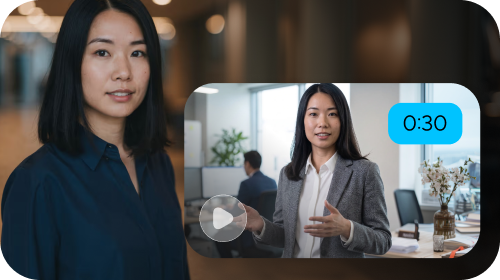
Official HeyGen avatar video example
AvatarTranslateCaptionsGenerate ↗
Digital twinsTurn a short consented clip into a repeatable presenter.
Talking photosAnimate a photo with a script, voice and expression.
Translate & dubLocalize voice, timing, lips and subtitles.
AI StudioEdit scripts, scenes, pacing and branding in one place.
Global publishingBuild versions for teams, markets and channels.
The real proposition

HeyGen is a localization engine disguised as a video studio

The value appears when a video needs to travel: across languages, markets, formats and repeated updates.

One presenter · many versions

Make the message once. Adapt the delivery without another shoot.

HeyGen combines AI avatars, voice, lip-sync and editing so a creator or team can start from a script, image, audio file or slide deck. The useful question is not whether an avatar can talk — it is whether the workflow helps you publish a consistent message in the right language and format.

Explore HeyGen’s translator ↗

One video, different audiences

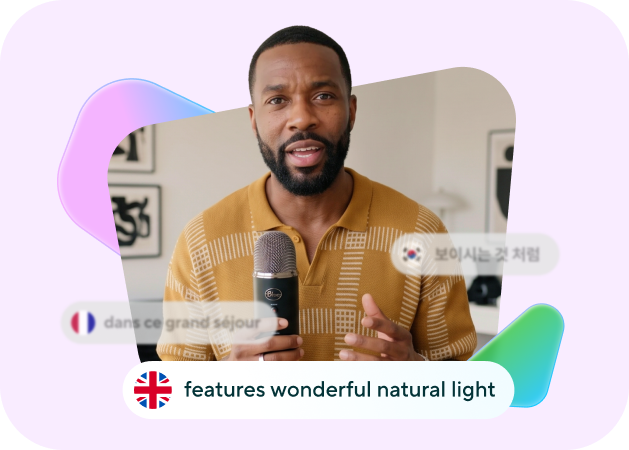
HeyGen currently advertises translation with voice cloning, lip-sync and subtitles across 175+ languages and dialects. Treat the number as a live product claim and check the current plan before production.

HeyGen avatar example
🌍
same face · adapted voice · matched mouth movement
Watch before you subscribe

See an avatar workflow in motion

One official HeyGen walkthrough, followed by real product visuals from HeyGen’s own pages.

HeyGen AI Avatars inside Canva

An official HeyGen walkthrough showing how avatar video can fit inside a familiar design workflow. Open the channel for more product videos and updates.

Open HeyGen’s channel ↗
HeyGen audio to video example
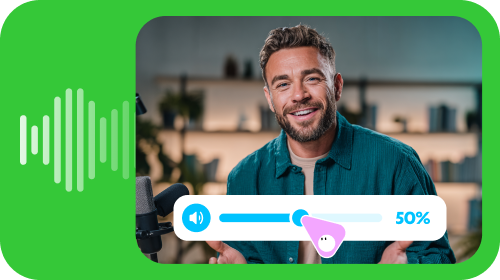
Audio becomes visualPair a voice or podcast with an avatar, captions and a visual frame.
HeyGen AI video generator example
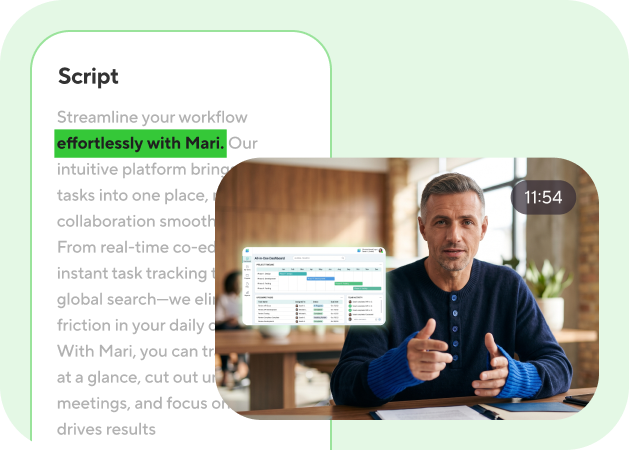
Text, image or audioHeyGen’s current product pages position several starting points for video.
HeyGen digital human example
A presenter with a point of viewUse a stock human, a digital twin or a stylized character for the job.
HeyGen AI video example
Built for real messagesProduct demos, updates, training and social content can share one studio.
The avatar lab

Choose the performer before you choose the scene

HeyGen’s current avatar offering spans realistic presenters, photo-based avatars and more stylized directions.

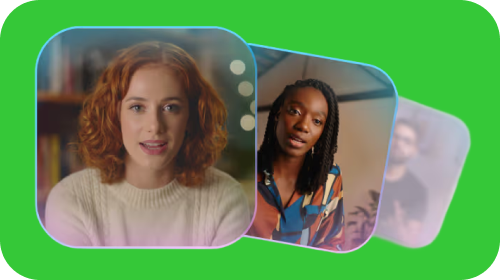
HeyGen avatar portrait
Digital twin, talking photo or stock avatar?Start with the level of identity and control your message actually needs. Real-person avatars require consent; that is part of a responsible workflow, not a footnote.

Digital twins

HeyGen says a short consented clip can create a repeatable digital human with a consistent face, voice and expression.

Avatar IV

Turn a photo into a talking video with lip sync, expressive gestures and multilingual voice options.

Voice and motion

Direct the delivery with script, tone, pacing, gaze, gesture and captions instead of managing a traditional shoot.

Brand control

Keep presenters, colors, layouts and repeated campaign formats aligned across the content your team publishes.

Read the official product pages: Avatar IV · Digital Human Creator · AI Talking Head.
A useful production loop

From consent to localized cut

Four decisions make the difference between a novelty avatar and a usable communication system.

01

Pick the face

Choose a stock presenter, create a digital twin or animate an approved photo. Use consent and rights as the first filter.

02

Write the delivery

Paste the script or upload a deck. Decide the audience, tone, language, frame and length before generating.

03

Direct the scene

Adjust visuals, captions, background, pacing and branding in the studio. Treat the first render as an editable draft.

04

Localize and publish

Translate, review terminology and export versions for the market, platform or learning system that needs them.

HeyGen’s official translator supports uploading a video or pasting a YouTube link, then choosing a target language. Read the video translator guide before using it for client or commercial work.
Where it fits

Four rooms where HeyGen makes sense

Its strongest use cases are presenter-led communication, not replacing every kind of filmmaking.

Training & onboarding

Update a policy, lesson or product walkthrough by changing the script rather than booking another shoot.

Global marketing

Turn one campaign idea into localized versions with a consistent face, voice and brand system.

Sales & product demos

Make personalized explainers and outreach videos when a human presenter helps the message land.

Creators & social

Build recurring presenter-led content, faceless formats or talking-photo experiments without filming every post.

Check before paying

Current product claims, clearly labeled

Features, language counts and plan limits change. Verify the live product and pricing pages before committing.

175+languages and dialects currently advertised for translation and dubbing.
500+realistic stock AI humans referenced on HeyGen’s official product pages.
15 secshort clip cited by HeyGen as the starting point for a digital twin workflow.
FreeHeyGen currently shows a free starting option; exact limits should be checked live.
These figures are current claims from HeyGen’s official pages, not independent MahGPT ratings. Also review HeyGen’s consent, safety and commercial-use terms before cloning a real person.
Ready to test the idea?

Give one message a face.

Start with a short script you already need to publish. Test the presenter, voice, captions and one localized version before you scale the workflow.

Open HeyGen ↗
Telegram