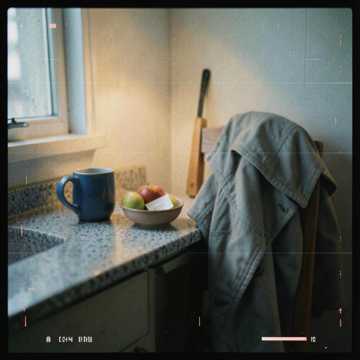
First Beat Fire
A bright, beat-led starting point for energetic edits, intros and creator experiments.
 AI MUSIC WORKFLOW GUIDE
Turn a lyric, a mood, a scene or a rough creative brief into a playable starting point. CreateMusicAI brings song generation, lyrics, vocal tools, stems, mastering and music analysis into one browser-based studio.
Public CreateMusicAI examples show the range of moods and song directions. Use them as references, then open the generator to make a track for your own brief.
A bright, beat-led starting point for energetic edits, intros and creator experiments.
A softer, cinematic direction for reflective scenes, moodboards and narrative work.
A more expansive reference for motion, travel, montage and high-energy storytelling.
A vocal-led idea for testing lyrics, tone and the emotional shape of a complete song.
Demo artwork and listening links point to CreateMusicAI’s public music pages. We do not copy full tracks into this guide.
CreateMusicAI lets you start with a text prompt or your own lyrics, choose genre, mood, instruments and vocal direction, then preview and refine the result. That makes it useful when the first obstacle is not production skill — it is getting a musical idea out of your head.
Open the official generator ↗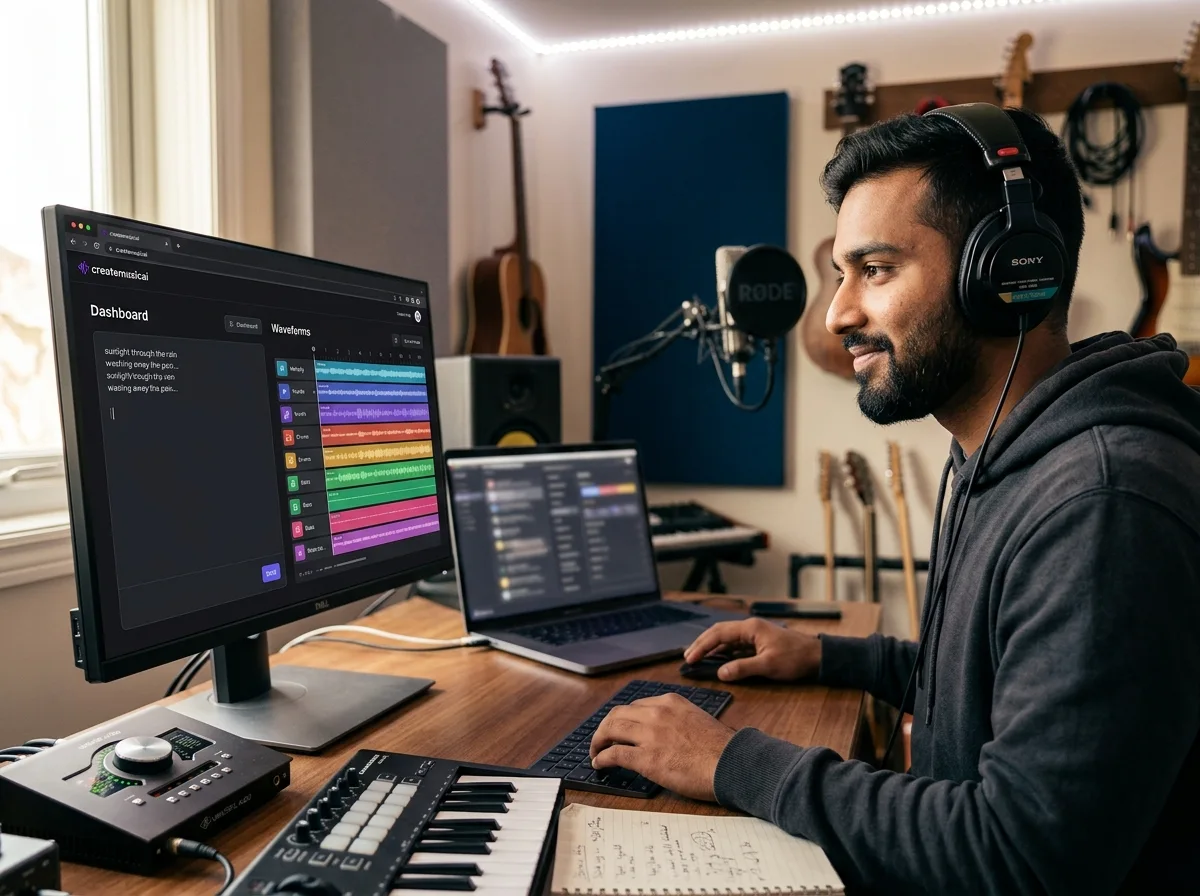
CreateMusicAI also connects music to publishing workflows: music videos, photo-led visuals, podcast beds and short-form content.

The official AI Music Video workflow is designed for visualizers, photo videos, singing videos and social-ready music promotion. The song stays at the centre; the visual layer follows.
Explore the official video workflow ↗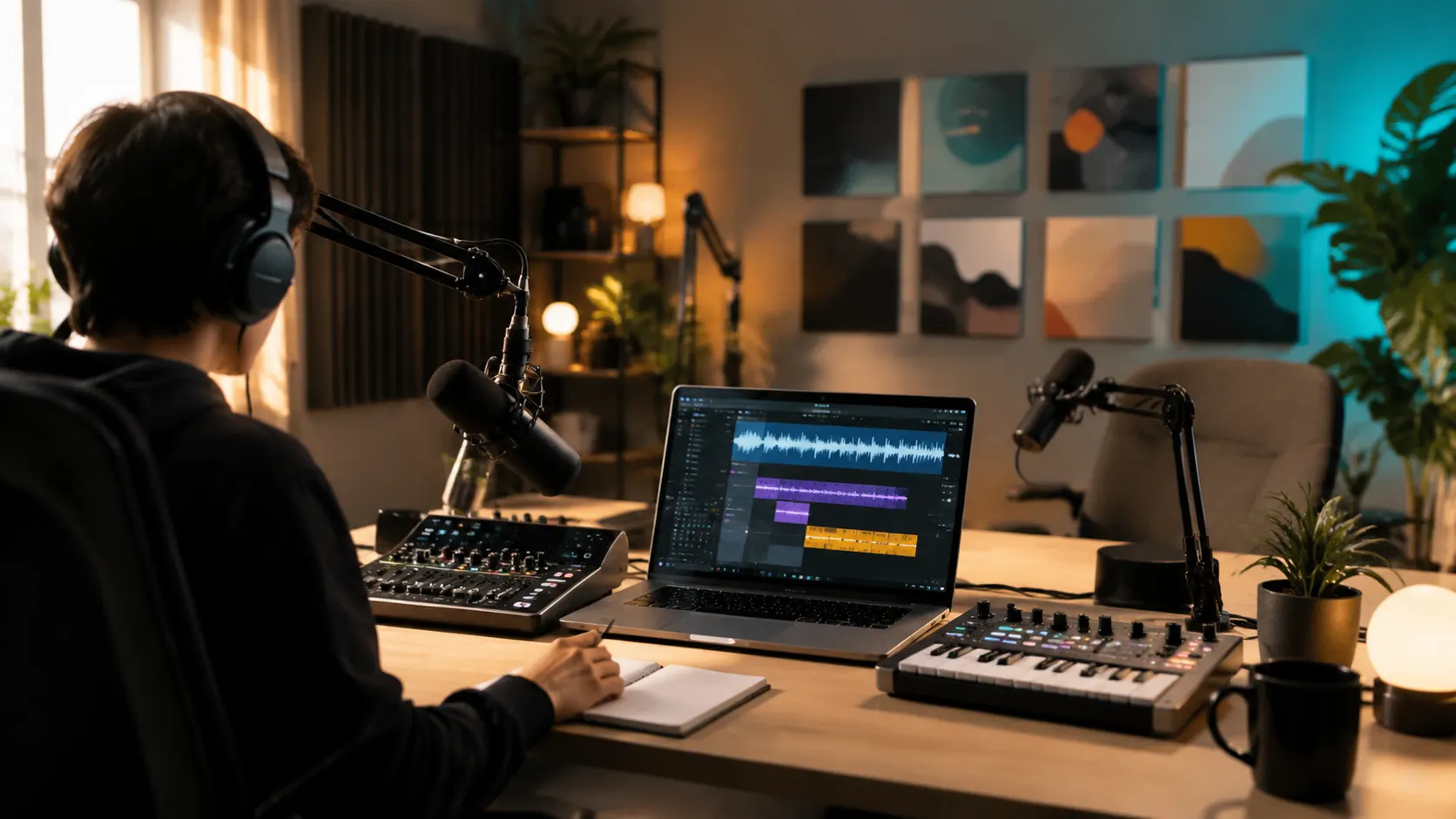 FOR PODCASTS & STREAMS
For a show intro, a transition bed or speech-friendly background music, the prompt can describe the pacing and energy instead of forcing you through a huge catalogue.
Open the background music guide ↗The interesting part is the surrounding toolkit: it helps move a rough idea toward a usable asset, not just produce one first-pass song.
Upload an image, add context, then review the title, lyrics and style before generating the song.
Separate vocals and instrumental elements when you need a cleaner edit or a remix starting point.
Use a reference track to guide loudness, tone, dynamics and stereo width in the final polish.
Explore song ideas, lyric structures, covers and alternate directions without opening a full DAW.
Inspect musical data, tempo and conversion workflows for producers and editors who need control.
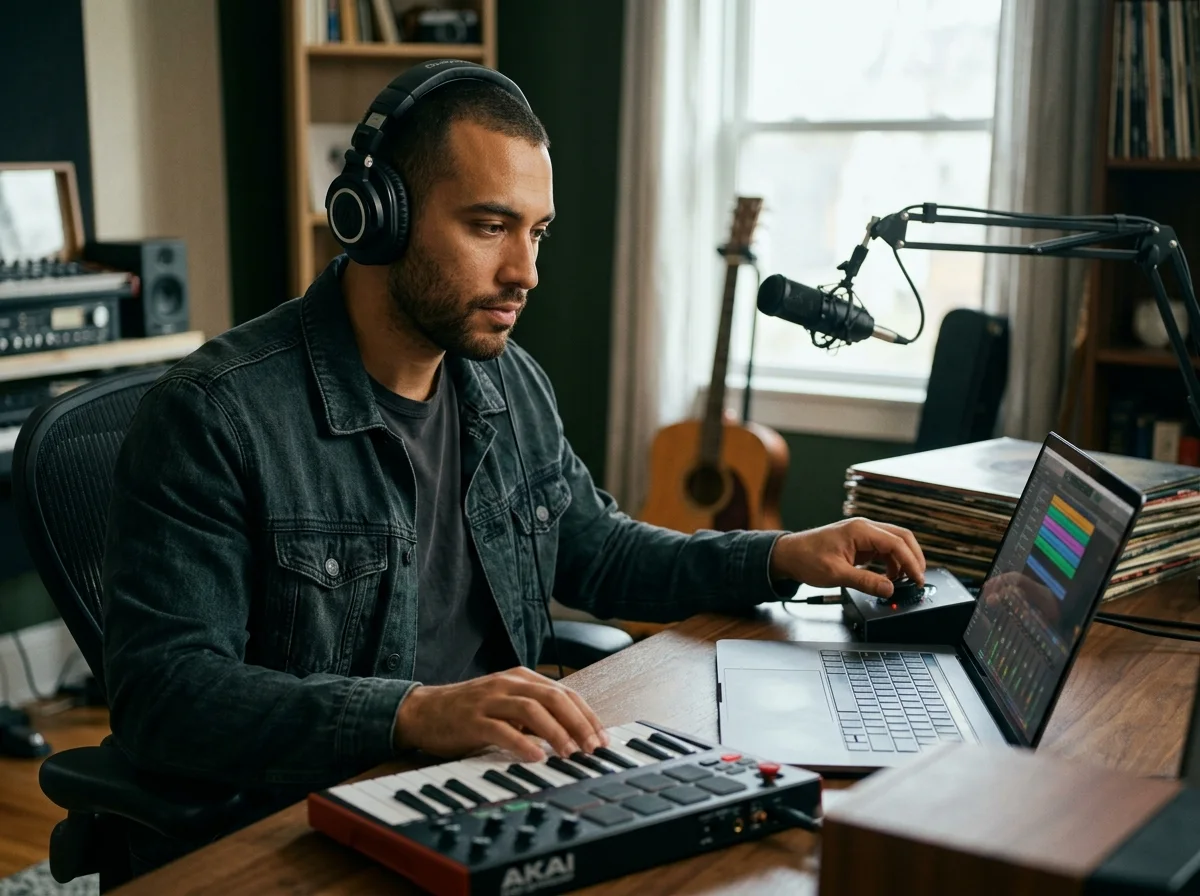
Background music, a demo chorus, a social hook or a visual soundtrack all begin differently. The useful question is whether the tool helps you reach the next decision faster.
CreateMusicAI is most useful when you need a credible musical direction before a full production session, a composer brief or a campaign deadline.
CreateMusicAI’s official pages are the right place to see current product screens and the latest capabilities. Open the original material before making a purchase decision.
 OFFICIAL PRODUCT WALKTHROUGH
The practical habit is simple: use the first output as a sketch, check whether the vocal, arrangement and structure are close, then refine. A good workflow protects time and credits.
Read the full official guide ↗A visual may be the brief. A reference mix may be the constraint. A clean vocal may be the deliverable. The surrounding tools make CreateMusicAI more interesting than a single prompt box.
Plans and commercial terms change. Treat the figures below as a current orientation, then confirm the live pricing page before checkout.
The official terms distinguish free-plan personal projects from paid-plan usage with commercial licensing. If the track is going into monetized video, advertising, client work or a release, read the current license wording instead of assuming every generated track has the same rights.
Read the official terms ↗At the time of this guide, the paid tiers scale through credits, generations, concurrent tasks, editing tools and commercial use. Free access is useful for a small test; the right paid plan depends on how often you regenerate and where the result will be published.
Check live pricing ↗Start with one real brief: a 30-second intro, a chorus demo, a photo-led memory song or a cue for a video. See whether CreateMusicAI gets you closer to publishable — not just closer to another prompt.
Open CreateMusicAI ↗